

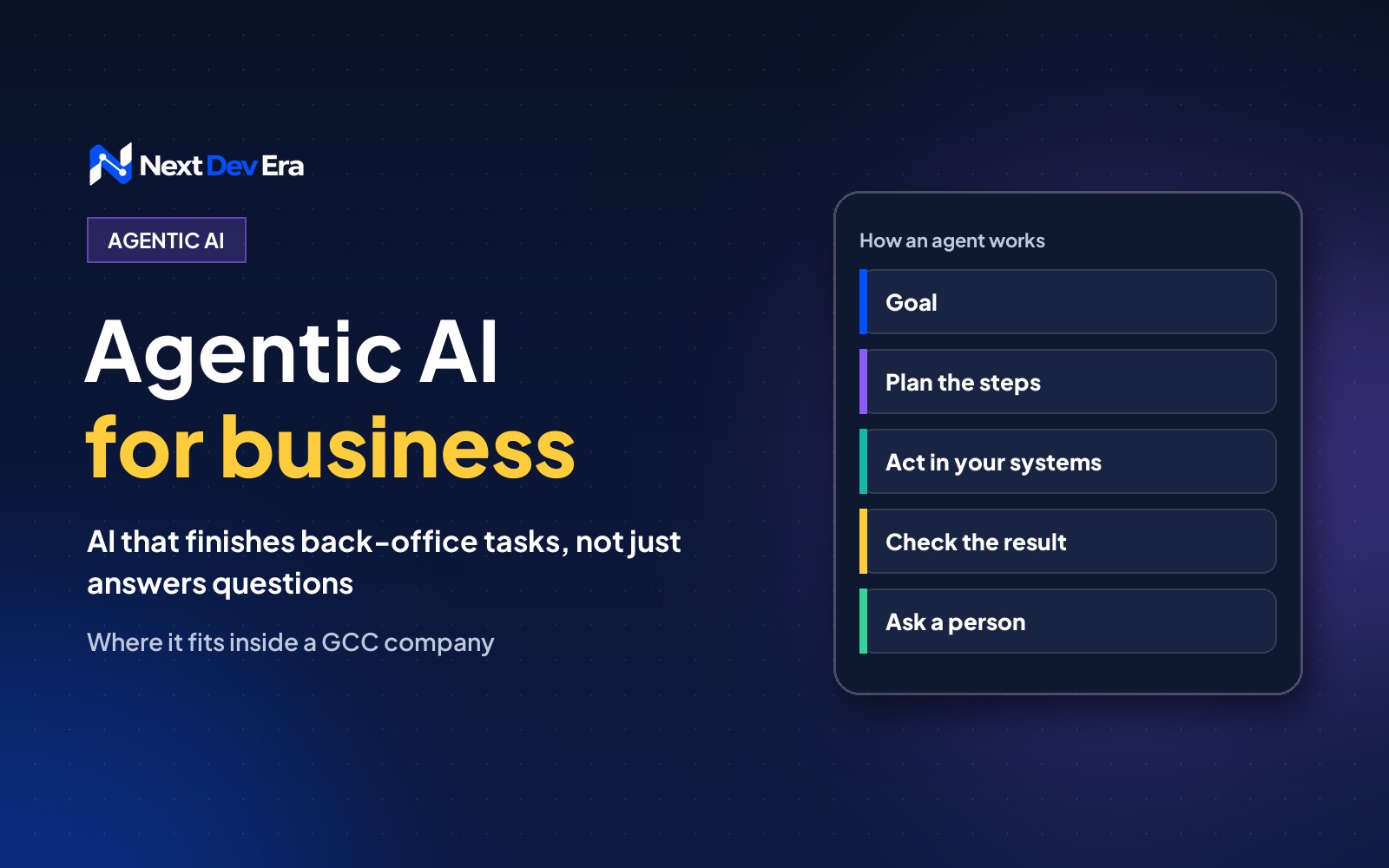
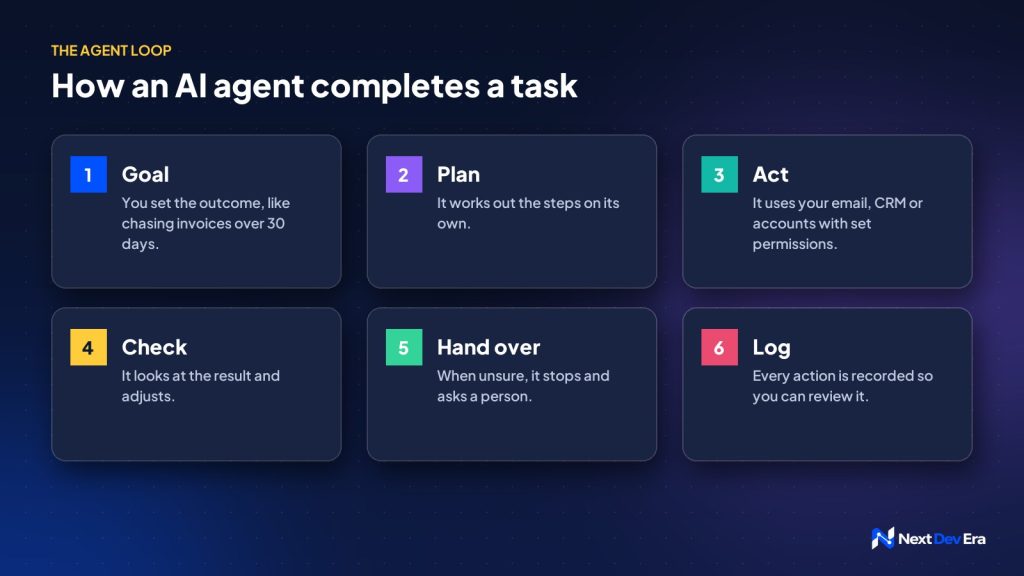
Agentic AI is AI that completes a task from start to finish inside your company. You give it a goal, it plans the steps, uses your systems with the permissions you set, checks the result and hands over to a person when it is unsure. It suits repetitive, rule-based back-office work.
Agentic AI for business means AI that can carry out a task from start to finish inside your company, not just answer a question about it. You give it a goal, like “chase every unpaid invoice older than 30 days”, and it works out the steps, uses your systems to do them, and reports back.
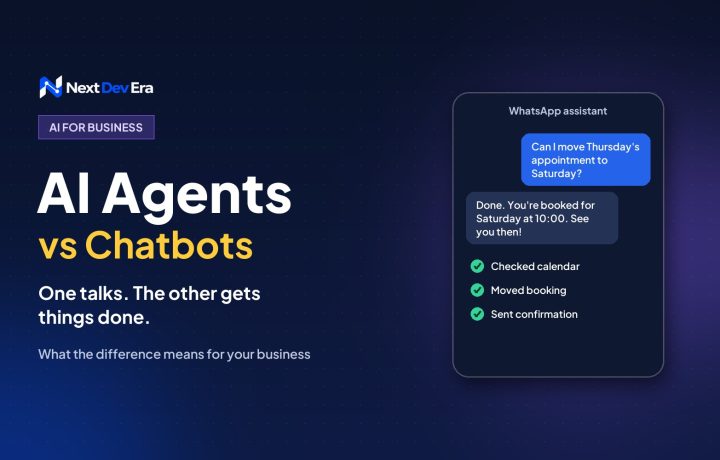
Most of the talk about AI agents is about customer chat. That’s covered in our post on AI agents vs chatbots. This post is about the other side: the back-office work your own team does every day, and where an agent can take some of it off their plate.
What makes AI “agentic”
Three things separate an agent from an AI tool you type questions into.
- It has a goal, not a prompt. You tell it what outcome you want. It decides the steps.
- It can use tools. It’s connected to your email, CRM, accounting software or shared drive, with permissions you set.
- It checks its own work. It looks at what happened after each step and adjusts, or stops and asks a person when something doesn’t fit.
A normal automation follows the exact path you drew. An agent can handle the messy cases in between, such as an invoice in a slightly different format or a customer who replied with a question instead of a payment.
Where agentic AI earns its keep inside a company
The best first jobs are repetitive, rule-based and easy to check. Some that suit Gulf businesses well:
- Finance follow-ups. Matching payments to invoices, sending polite reminders in English or Arabic, and flagging accounts that need a call.
- Sales admin. Reading new enquiries, adding them to the CRM with the right fields, and drafting a first reply for a salesperson to approve.
- Recruitment screening. Sorting CVs against a job’s must-haves and preparing a shortlist with reasons. A person still makes the decision.
- Reporting. Pulling numbers from ads, the website and the CRM every Monday and writing a short summary of what changed.
- Document checks. Reading supplier quotes or contracts and listing anything missing against your checklist.
What doesn’t suit an agent yet
Anything that’s hard to undo, legally sensitive or based on judgement should stay with a person, or at least need a person’s approval. That includes refunds, contract signatures, hiring decisions, and anything involving medical or financial advice.
A good test: if a new junior employee would need a manager to sign it off, so should the agent.
Getting the set-up right
Agents fail in boring ways, and most of those failures come from the set-up rather than the AI.
- Give it the least access it needs. Read-only first. Let it write or send only once you trust the results.
- Keep a log. Every action the agent takes should be recorded, so you can see what happened and why.
- Add a hand-over rule. When it’s unsure, it should stop and ask, not guess.
- Mind the data rules. The UAE and Saudi Arabia both have personal data laws. Check where your AI provider processes data before an agent reads customer or employee details.
- Measure the time saved. Track how long the task took before and after. If the numbers don’t move, change the job or switch it off.
How to start
Pick one task your team repeats every week, write down the steps a person takes today, and note where they make judgement calls. That document is the brief for your first agent.
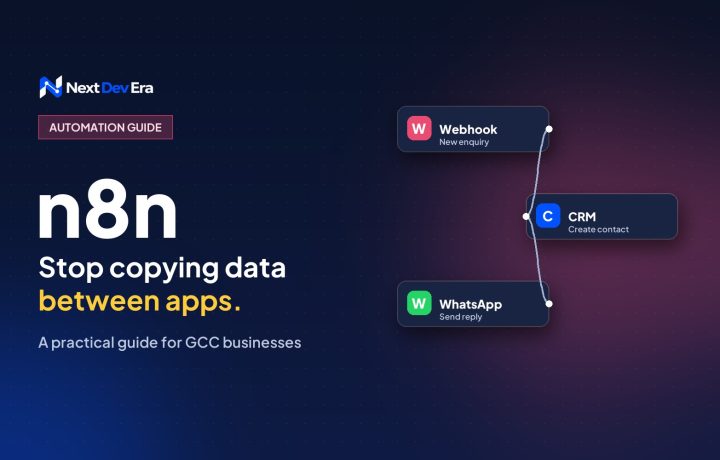
We build these with tools like n8n (n8n.io) and connect them to the systems you already use. If you’d like help choosing the first task, book a free 30-minute call.

1 comment