

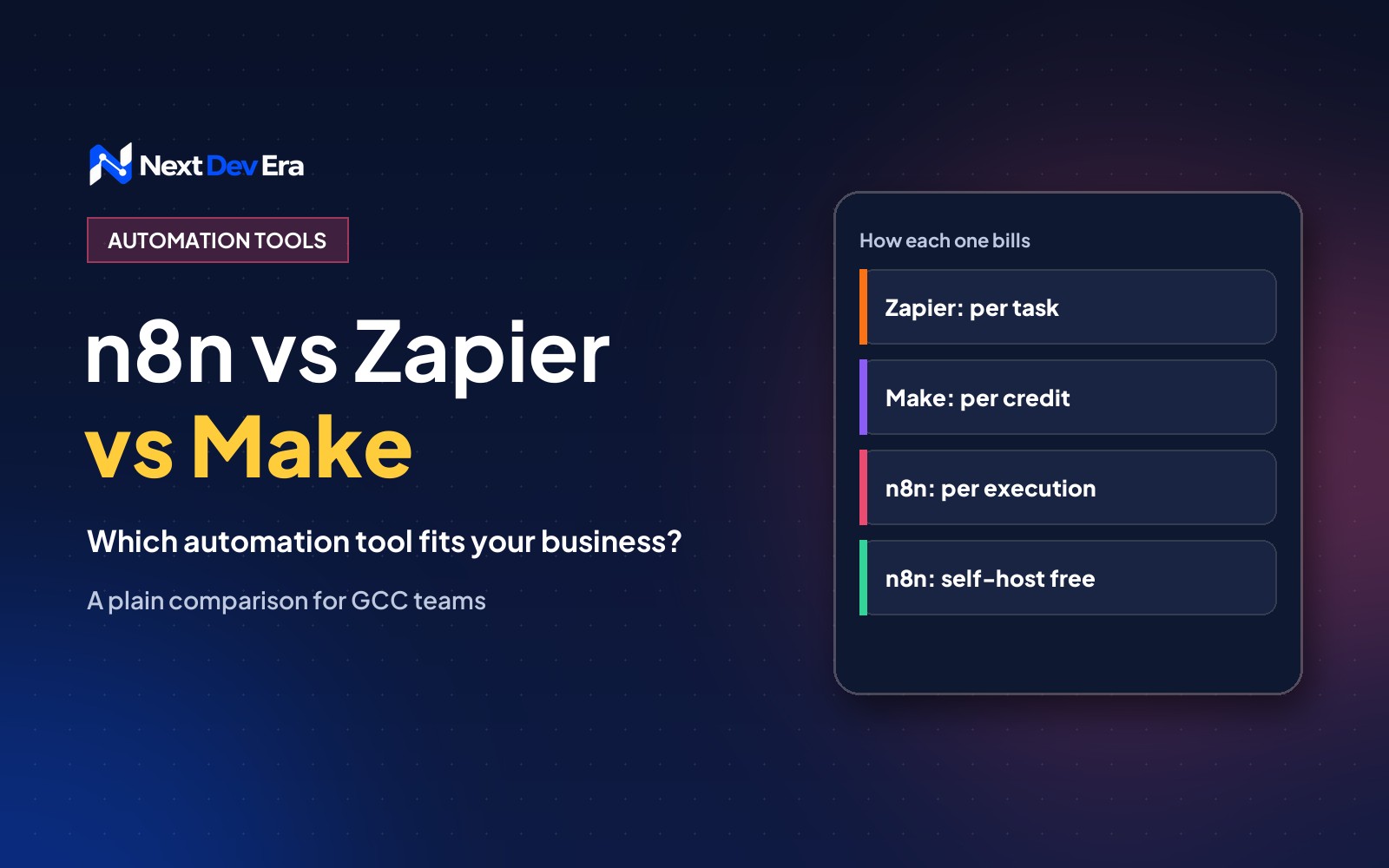
Zapier is quickest for a few simple automations, Make suits visual workflows with branches, and n8n suits high volumes, custom logic and AI workflows. Zapier bills per task, Make per credit and n8n per workflow execution, and n8n can also be self-hosted for free.
Pick Zapier if you want the quickest setup and you’ll only run a handful of simple automations. Pick Make if you like building visually and your workflows have a few branches. Pick n8n if you’ll run a lot of automations, need to keep data on your own server, or want room to grow into AI workflows without the bill growing with every step.
That’s the short version of n8n vs Zapier vs Make. All three connect the apps you already use and move data between them so your team doesn’t have to. The real differences are in how they charge, where your data lives and how much technical help you’ll need.
How the three tools charge you
This is where most businesses get caught out, so it’s worth understanding before you build anything.
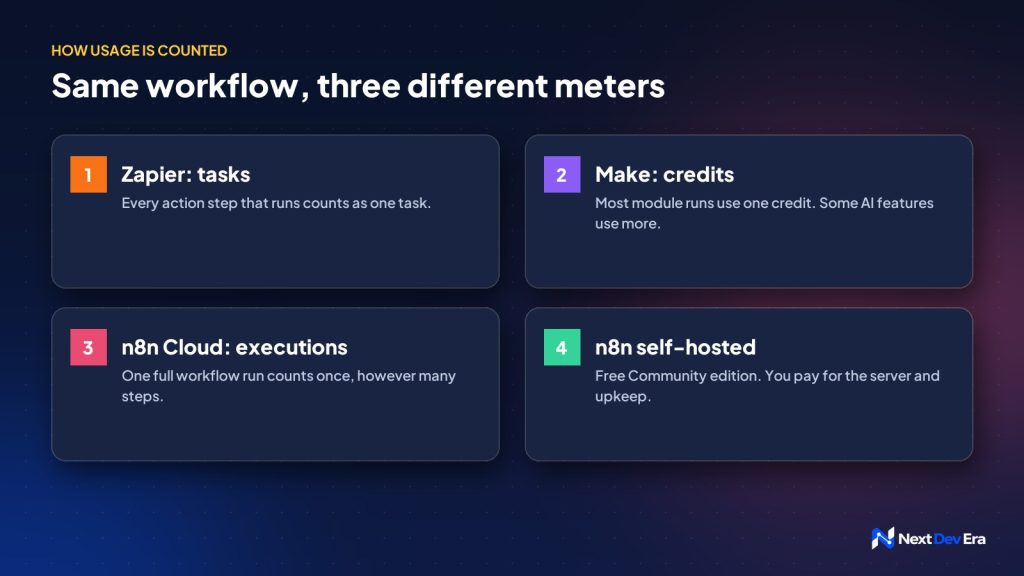
- Zapier charges by task. Every action step that runs counts as one task, so a five-step automation that runs 100 times uses 500 tasks.
- Make charges by credits. It switched from “operations” to credits in August 2025. Most module runs still cost one credit each, but some AI features can cost more.
- n8n charges by execution on its cloud plans. One execution is one full run of a workflow, however many steps it has. The self-hosted Community edition is free to use. You pay for the server and someone to look after it.
So a long workflow that runs often can cost very different amounts on each platform. Count your steps and your monthly runs before you compare price pages.
n8n vs Zapier vs Make, side by side
| Zapier | Make | n8n | |
|---|---|---|---|
| Best for | Quick, simple automations | Visual workflows with branches | High volume, custom logic, AI workflows |
| How it bills | Per task (each action step) | Per credit (mostly per module run) | Per workflow execution, or free self-hosted |
| Learning curve | Lowest | Medium | Medium to high |
| Where data is processed | Zapier’s cloud | Make’s cloud | Their cloud, or your own server |
| Custom code | Limited | Some | Full JavaScript and Python steps |
Where data lives matters in the Gulf
If your automations handle customer names, phone numbers, ID details or health information, think about where that data goes. The UAE and Saudi Arabia both have personal data protection laws, and some sectors, like healthcare and finance, have stricter rules on top.
Zapier and Make process your data on their own cloud servers. n8n can run on a server you choose, including a cloud region in the Gulf, which gives you more control over where the data sits. That doesn’t make you compliant on its own, but it removes one question from the list. Check your own sector’s rules, or ask your legal adviser, before you automate anything sensitive.
Which one we’d suggest
For a small team that wants website enquiries sent to WhatsApp and a Google Sheet, Zapier is fine. You’ll be running in an afternoon.
For a marketing team that wants a lead to go through a few checks and land in the right place in the CRM, Make works well. Its visual editor makes branches easy to follow.
For a business that wants dozens of automations, wants AI to sort or summarise data along the way, or needs to keep data on its own server, we usually recommend n8n. It costs more effort at the start and less as you grow. Our n8n automation guide walks through building a first workflow.
Mistakes to avoid when you choose
- Comparing plan prices without counting steps. A 10-step workflow on Zapier uses ten times the tasks of a one-step one.
- Self-hosting with no one to maintain it. A free n8n server still needs updates, backups and monitoring. If no one owns that, use n8n Cloud.
- Polling too often. Workflows that check an inbox or a sheet every minute burn through usage fast. Use webhooks, which wait to be told, wherever the app supports them.
- Building everything at once. Start with the one job that eats the most time each week, prove it works, then add the next.
Getting started
Write down the five tasks your team repeats most, with the apps involved and how often each happens. That list usually makes the choice obvious.
If you’d like a second opinion, book a free 30-minute call. We’ll look at your list and tell you which tool fits, even if the answer is the cheapest one.

3 comments