
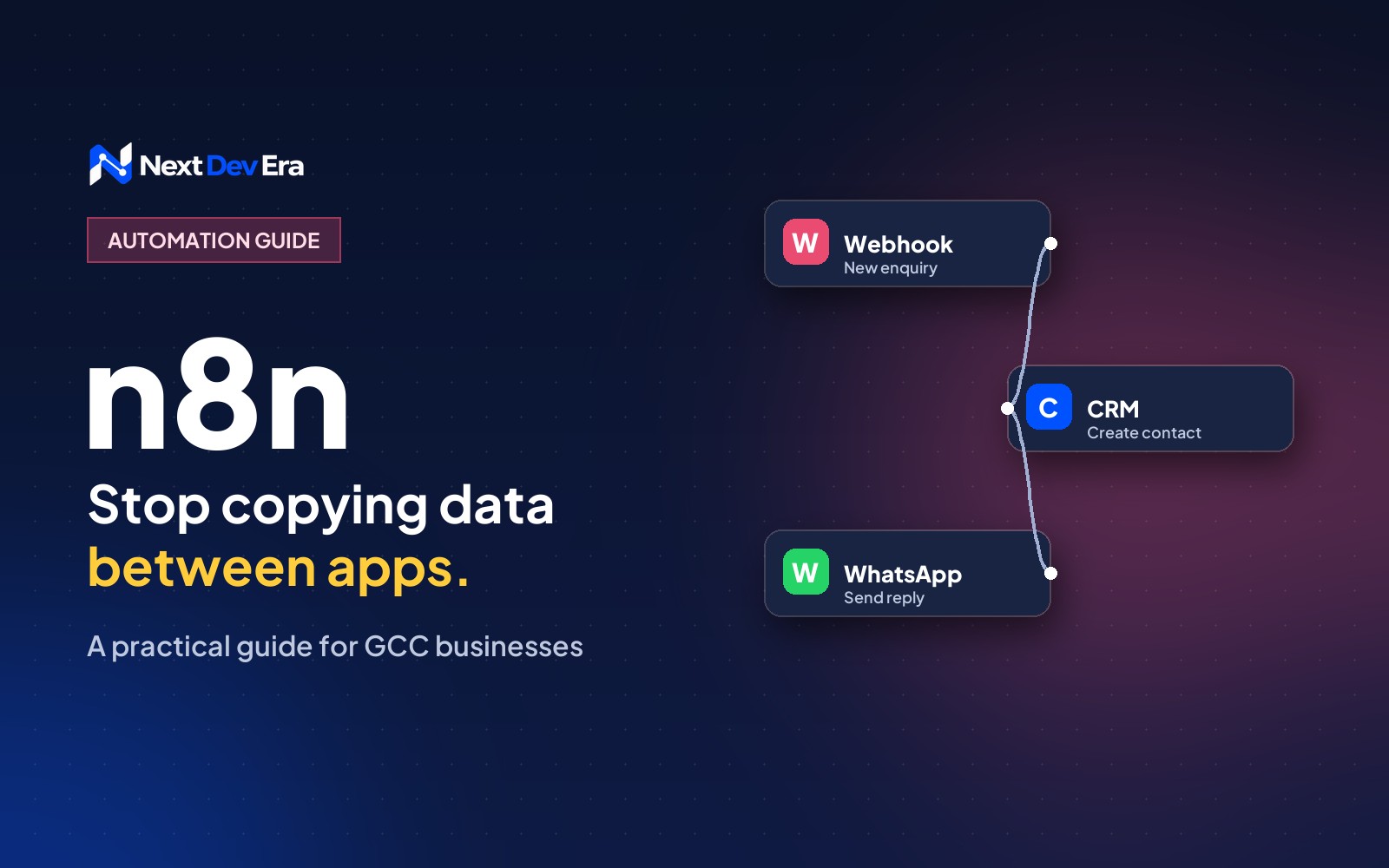
n8n is a workflow automation tool that connects the apps you already use, so routine jobs like logging enquiries, alerting your sales team or recording orders happen on their own. You can use n8n Cloud or host it yourself, and you build workflows visually, with code only when you need it.
If someone on your team spends part of every day copying details from one app into another, n8n automation is worth a look. It’s a workflow automation tool. You connect the apps you already use, tell it what should happen when something changes, and it does that job for you, every time, without anyone having to remember.
Below we cover what n8n is, where it fits (and where it doesn’t), and how to build a first workflow. The examples are the kind that make sense for businesses in the Gulf, like website enquiries, WhatsApp and Shopify orders.
What is n8n?
n8n (you say it “n-eight-n”) lets you build automations by linking blocks, called nodes, on a visual canvas. The first node waits for something to happen. That’s the trigger. The nodes after it do the work: add a row to Google Sheets, create a contact in your CRM, send an email or a chat message.
Two things set it apart from tools like Zapier and Make. You can host it yourself, on your own server, so your data stays where you choose. And when the drag-and-drop blocks aren’t enough, you can drop into code, with a Code node for JavaScript or Python, or an HTTP Request node that can talk to almost any app with an API.
One honest note on the licence. n8n calls itself “fair-code” rather than fully open source. The code is public and you can self-host it for your own business, but the licence limits reselling n8n as a service. For a company automating its own work, that rarely matters.
What can you do with n8n automation?
Most repetitive jobs that move information between tools. A few that come up again and again:
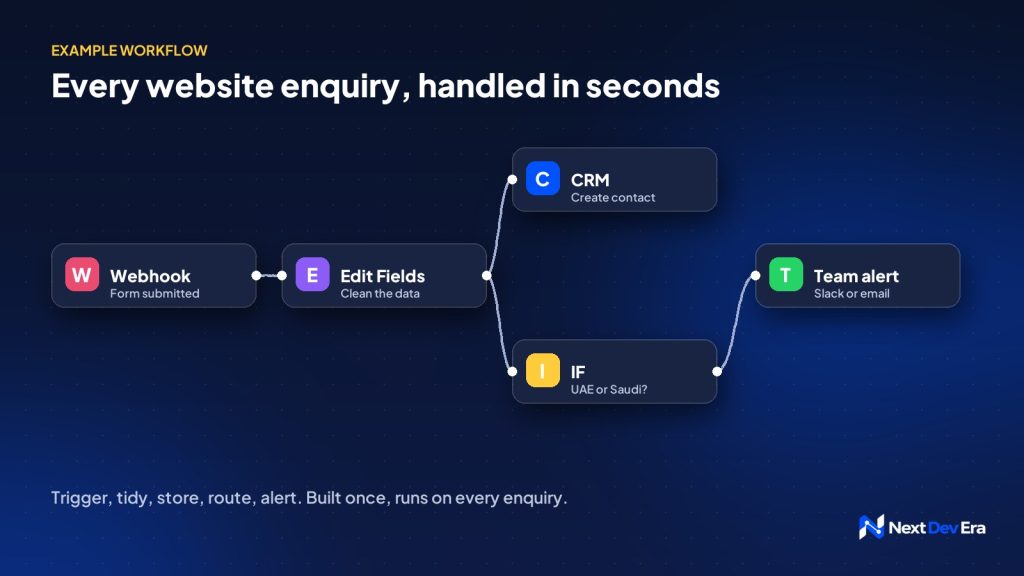
- A new enquiry comes in through your website form. n8n adds it to your CRM, posts it in your sales team’s chat and sends the customer a quick “we’ve got it” message.
- A Shopify order lands. n8n logs it in a sheet for finance, flags high-value or cash-on-delivery orders for a phone check, and updates stock somewhere else.
- Every morning, n8n pulls yesterday’s numbers from Google Ads, Meta and GA4 into one summary and sends it to the team.
- A client signs a proposal, and n8n creates the project, a draft invoice and the kick-off tasks.
If you catch yourself saying “every time X happens, someone has to do Y”, that’s a workflow waiting to be built.
n8n Cloud or self-hosted?
This is the first decision, and it mostly comes down to how much you want to look after yourself.
| n8n Cloud | Self-hosted | |
|---|---|---|
| Setup | Minutes: sign up and start building | You or your developer set up a server |
| Upkeep | n8n handles updates and uptime | You handle updates, backups and security |
| Where data lives | n8n’s hosting | Wherever your server is, such as a UAE or Saudi cloud region |
| Cost | A monthly plan | Server costs plus your team’s time |
| Best for | Trying it out, small teams | Sensitive data, high volumes, full control |
For Gulf businesses, it’s worth a minute on where data lives. If your workflows pass customer details around, running n8n on a server in a regional cloud region can make the UAE and Saudi data protection rules easier to meet. Check with whoever advises you on compliance before you decide.
How to build your first workflow
Let’s build the website enquiry example, because it’s the one most businesses get value from on day one.
- Get n8n running. The quickest route is an n8n Cloud trial. If you’re self-hosting, n8n’s documentation covers Docker and npm installs.
- Add a trigger. Start with a Webhook node and point your website form at the webhook address n8n gives you. Most WordPress form plugins can send submissions to a webhook. Send a test enquiry so n8n can see what the data looks like.
- Tidy the data. An Edit Fields node lets you keep only what you need (name, phone, email, service, country) and format phone numbers the same way every time.
- Send it somewhere useful. Add the node for your CRM. HubSpot, Zoho CRM and Pipedrive all have one. If a Google Sheet is your CRM for now, that works too.
- Tell your team. A Slack, Microsoft Teams, Telegram or email node means sales sees the lead within seconds. WhatsApp is possible through the WhatsApp Business Cloud node, but you’ll need a Meta business account and approved message templates first.
- Plan for the “what ifs”. An IF node can route Saudi enquiries to one person and UAE enquiries to another. Set up an error workflow too, so a failed run sends you an alert instead of failing quietly.
- Test, then switch it on. Run it a few times with realistic data, then set the workflow to Active.
That’s it. From then on, every enquiry lands in your CRM and in front of your team without anyone copying and pasting.
Where people go wrong
The most common mistake is automating a process that’s messy to begin with. Automation doesn’t fix a muddled process, it just runs the muddle faster. Write the steps down on paper first.
Close behind is the one giant workflow that tries to do everything. Several small workflows are much easier to test and fix.
People also skip error alerts. Workflows break when an app changes how it works or a password expires, and without an alert you only find out when a customer complains.
If you self-host, remember n8n is running on a server like any other. It needs updates, backups and security patches (our PHP2Shell guide is a good reminder of why).
And keep API keys and passwords in n8n’s credentials store, not pasted into nodes where anyone with access can read them.
When n8n isn’t the right tool
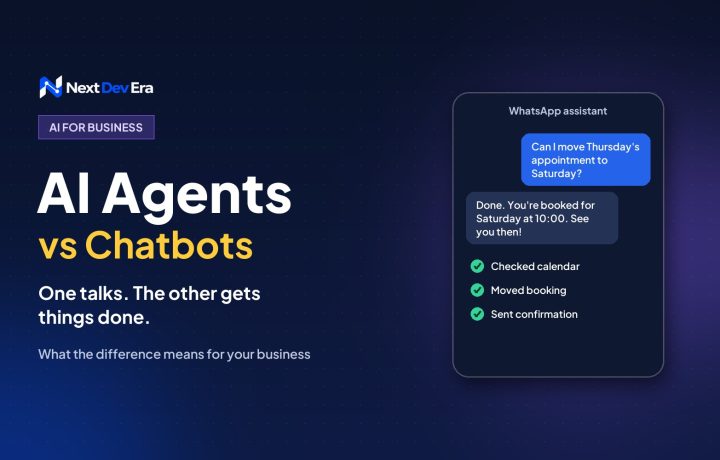
If you only need two apps to pass simple information to each other, Zapier or Make may be quicker to set up. Our n8n vs Zapier vs Make comparison walks through the trade-offs. And if a process needs proper screens for your staff, such as approvals, dashboards or reports, a small custom web app usually works better, with n8n doing the plumbing behind it. And if what you really want is something that talks to your customers, our guide to AI agents vs chatbots is a better place to start.
Want help working out what to automate?
Most businesses have three or four workflows that would save hours every week. If you’d like a second opinion on which ones to start with, book a free 30-minute call and we’ll talk it through.

4 comments